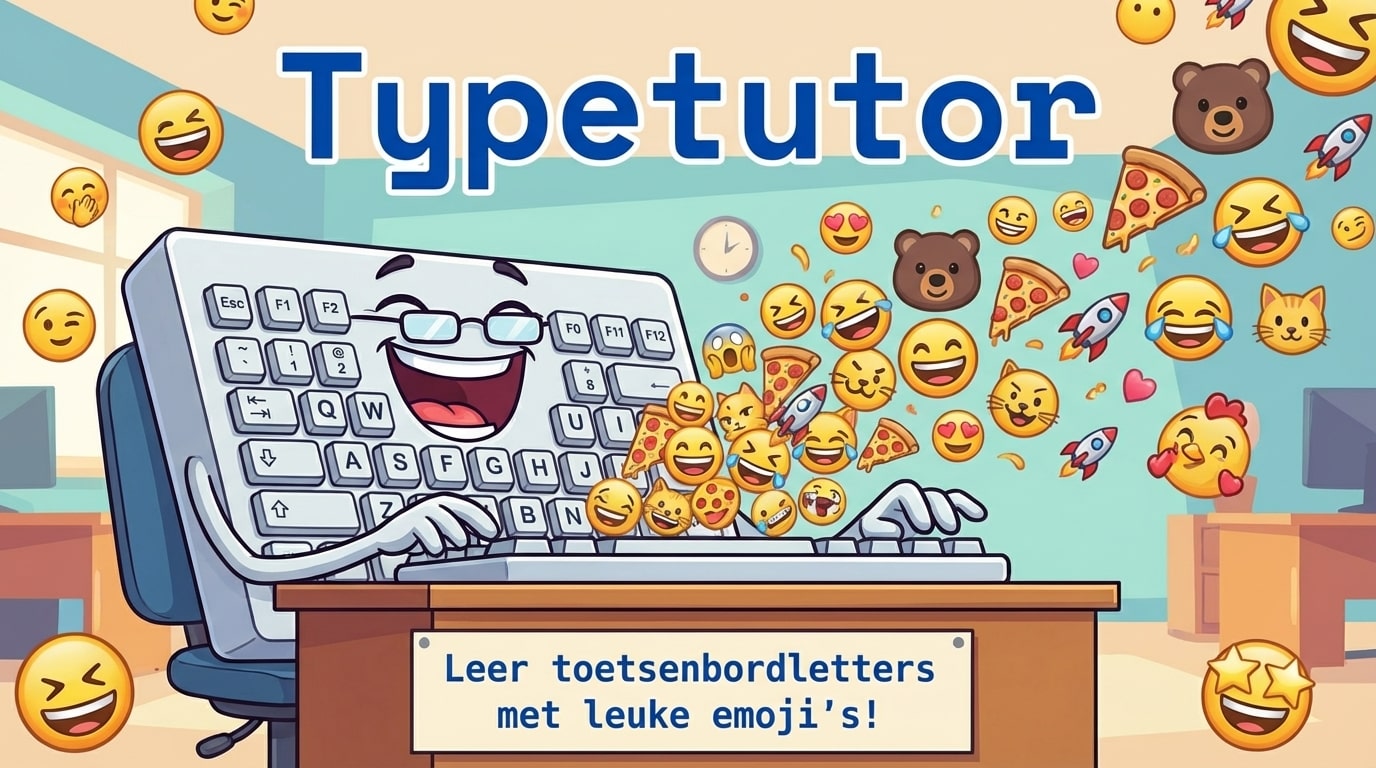
Learning touch typing doesn't have to be boring. That's the core idea behind TypeTutor - a web-based typing trainer that turns practice into an engaging, game-like experience with real-time feedback and customizable challenges.
Why Another Typing Trainer?
TypeTutor was born from two equally important goals:
- Making typing practice fun and effective - I wanted to create a platform where people could genuinely enjoy improving their typing skills through customizable, game-like exercises
- Learning programming through practice - Building the same application in multiple programming languages became my own learning journey
The TypeScript-Deno version is the one I've developed the most, leveraging modern web technologies to create a responsive, feature-rich experience. But the real value came from learning by doing - implementing typing games, real-time metrics, and data visualization taught me far more than tutorials ever could.
Game Modes for Every Learning Style
TypeTutor offers multiple practice modes, each designed for different skill levels and learning objectives:
Single Letters with Emojis
Perfect for beginners or those learning new keyboard layouts. Each letter is paired with an emoji for visual association, making the learning process more memorable and fun.
Random Character Practice
Customize your practice by selecting specific character sets. Want to focus on numbers and special characters? Or perhaps just the home row? Random mode lets you tune the difficulty to your needs.
Quote Practice
Practice with real-world text from a growing collection of quotes. Each quote includes proper attribution and metadata, and the system supports multiple languages. This is where community contributions can make the biggest impact - good quotes in different languages are always welcome.
Code Practice
For developers, typing code is different from typing prose. Code mode helps you practice with programming syntax, special characters, and common code patterns.
Real-Time Feedback That Matters
What sets TypeTutor apart is the depth of feedback:
Performance Metrics
- WPM (Words Per Minute): Track your speed in real-time
- Accuracy: See exactly where you're making mistakes
- Detailed Statistics: Understand your progress over time
Keyboard Heatmap
At the end of each session, TypeTutor shows a visual heatmap of your keyboard usage. This reveals patterns you might not notice - which keys slow you down, which fingers you favor, and where you need more practice.
User-Based Tracking
Using cookies, TypeTutor maintains your personal statistics across sessions. You can see improvement trends, identify weak areas, and set goals based on historical data.
Server Statistics
For long-term tracking and insights, server-side statistics aggregate data to show patterns across all users (anonymized, of course).
The Technology Stack
Building TypeTutor with modern technologies was a deliberate choice:
// Built with:
- Deno: Secure JavaScript runtime
- Fresh: Fast, islands-based framework
- Preact: Lightweight React alternative
- Tailwind CSS: Utility-first styling
- TypeScript: Type-safe development
This stack provides excellent developer experience while delivering fast, responsive user interfaces. The islands architecture means interactive components load instantly, while static content renders immediately.
Multi-Language Journey
TypeTutor isn't just multilingual in content - it was also a vehicle for learning multiple programming languages. I've implemented versions in various languages, but the Deno-TypeScript version became the flagship because of:
- Modern tooling and excellent DX
- Built-in TypeScript support
- Secure by default
- Standard library quality
- Fast development cycles
What's Next?
I'm excited about several directions TypeTutor could grow:
Mobile App
The web version works on mobile, but a native app could provide better offline support and tighter OS integration for typing on phones and tablets.
Library Distribution
The core typing practice logic could be packaged as a library, allowing other developers to embed typing practice into their own educational platforms.
Expanded Language Support
While TypeTutor already supports multiple languages, there's room for growth - especially in the quote collection. I'm building infrastructure to make it easy for the community to contribute quality quotes in their native languages.
Community Quotes
The quote database is an area where community contributions can shine. Good quotes - meaningful, properly attributed, appropriate length - are valuable for practice. I've set up contribution guidelines to make this process smooth.
The Bigger Mission
My objective with TypeTutor goes beyond just another typing trainer. I want to help people around the world improve their typing skills in a way that's actually enjoyable.
In our increasingly digital world, typing is one of the most fundamental skills for communication and productivity. Whether you're:
- Writing code
- Composing emails
- Creating documentation
- Chatting with friends and colleagues
- Generating things with AI
- Participating in online discussions
- Taking notes
- Creating content
Your typing speed and accuracy directly impact how efficiently you can work and express yourself.
TypeTutor is built to help everyone - from complete beginners learning touch typing for the first time to advanced users optimizing their speed - practice in ways that are fun, engaging, and tailored to their goals.
Try It Yourself
TypeTutor is live at typetutor.org. The source code is available on GitHub for those interested in the implementation details or wanting to contribute.
Whether you're looking to improve your typing for coding, writing, or general productivity, TypeTutor offers a modern, customizable platform to help you reach your goals - and maybe even have some fun along the way.
Get Involved
Interested in contributing? Here are ways you can help:
- Add quotes: Submit meaningful quotes in any language
- Report issues: Found a bug or have a feature idea? Open an issue
- Contribute code: The codebase is open for pull requests
- Spread the word: Share TypeTutor with others who want to improve their typing
What's your typing speed goal? Start practicing at TypeTutor and track your improvement over time.