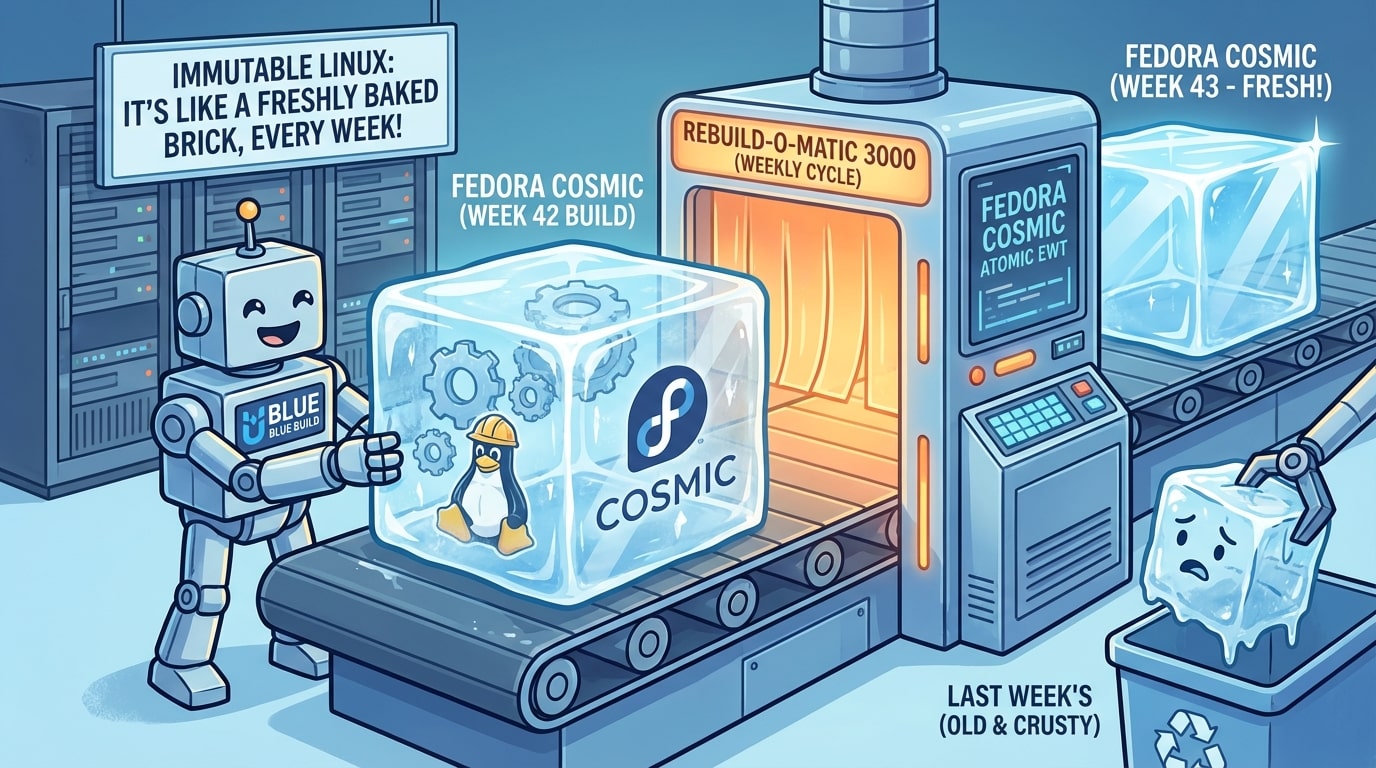
For the past few months, I've been running a custom Fedora Silverblue image with the COSMIC desktop environment, and it's transformed how I think about operating system maintenance. No more manual updates, no more dependency conflicts, and no more "it worked yesterday" mysteries.
My custom image is built with BlueBuild, automatically rebuilt weekly, and distributed as a container image. You can check it out at fedora-cosmic-atomic-ewt.
What Makes Immutable Linux Different?
Traditional Linux distributions let you modify system files directly. Install a package, and it writes to /usr. Remove something, and you might accidentally break dependencies. Over time, your system drifts from its initial state.
Immutable Linux flips this model: The core system is read-only and comes from a signed container image. Instead of installing packages that modify the base system, you layer applications on top or use containers. Your system stays clean, reproducible, and reliable.
Key benefits:
- Atomic updates: Updates either complete fully or don't happen at all. No broken half-updated systems.
- Rollback capability: If an update causes issues, you can boot into the previous version from the bootloader menu.
- Reproducibility: Multiple machines can run identical system configurations by pulling the same image.
- Stability: The base system never degrades over time because it's never modified.
Enter BlueBuild
BlueBuild is a framework that makes building custom Fedora Atomic images straightforward. Instead of manually crafting container configurations, you write declarative YAML recipes that describe:
- Which Fedora variant to base on (Silverblue, Kinoite, etc.)
- What packages to add or remove
- What configuration files to include
- What scripts to run during image build
Then BlueBuild compiles this into a container image and pushes it to GitHub Container Registry. The entire process runs in GitHub Actions.
My Custom Image: Fedora Cosmic Atomic EWT
My image starts with Fedora Silverblue and adds:
COSMIC Desktop Environment
Instead of GNOME, I run COSMIC - System76's modern, Rust-based desktop. It's fast, customizable, and designed with keyboard-driven workflows in mind. Since it's still in alpha, having it baked into my OS image means I can track the latest developments while maintaining system stability.
Pre-Configured Development Tools
The image includes my essential development stack:
- Rust toolchain for systems programming
- Node.js for web development
- Python with modern tooling
- Virtualization stack: libvirt, QEMU, and virt-manager for running VMs
Everything I need is present on first boot. No more running through a setup checklist on new machines.
Weekly Rebuilds: Staying Fresh and Secure
One of the best parts of this setup is that my image rebuilds automatically every week via GitHub Actions.
Each rebuild:
- Pulls the latest Fedora Silverblue base
- Applies all available updates
- Installs my package selection
- Runs configuration scripts
- Signs the image with Sigstore cosign
- Publishes to GitHub Container Registry
When I boot my machine, it checks for new images and downloads them in the background. The next reboot, I'm running the latest version. Updates are almost automatic - the system handles everything except the reboot.
This means:
- Security patches land within days, not when I remember to run
dnf update - No update anxiety - if something breaks, I roll back to last week's image
- Consistency across machines - my laptop and desktop run identical environments
The Developer Experience
As a developer, this setup has been pretty liberating:
Clean separation of concerns: My system stays pristine. Development dependencies live in containers, toolboxes, or layered on top. The base OS never gets polluted.
Fearless experimentation: Testing a new tool? Spin up a toolbox or container. If it doesn't work out, just delete it. The base system stays untouched.
Disaster recovery: Setting up a new machine is mostly just rebasing to my image URL and rebooting. I'm usually up and running with my entire environment in minutes.
Configuration Management with YADM
While the immutable base system handles the OS layer, I use YADM (Yet Another Dotfiles Manager) to manage my user configuration files in version control. My setup is available at cosmic-yadm.
YADM is a wrapper around Git that's designed specifically for managing dotfiles in your home directory. It lets you:
- Version control your configurations: All your shell configs, editor settings, and application preferences tracked in Git
- Sync across machines: Clone your dotfiles repository on a new machine and instantly have your customized environment
- Selective deployment: Use alternate files and templates to handle machine-specific configurations
The combination of an immutable OS image and version-controlled dotfiles means I can go from bare metal to fully configured development environment in under 30 minutes:
- Install Fedora Silverblue (or rebase to my custom image)
- Clone my cosmic-yadm repository with
yadm clone https://github.com/dverdonschot/cosmic-yadm.git - Reboot into my custom environment with all my tools and settings
This separation of concerns is elegant: the OS image handles system-level packages and configuration, while YADM handles user-level customization. Neither steps on the other's toes.
Getting Started with BlueBuild
If you want to try my specific image on a new machine:
Unsigned (for testing):
rpm-ostree rebase ostree-unverified-registry:ghcr.io/dverdonschot/fedora-cosmic-atomic-ewt:latest
Signed (recommended for production use):
rpm-ostree rebase ostree-image-signed:docker://ghcr.io/dverdonschot/fedora-cosmic-atomic-ewt:latest
Then reboot to switch to the new image.
If you want to build your own custom image:
- Fork a BlueBuild starter template from their repository
- Edit the recipe YAML to add your packages and configurations
- Push to GitHub - Actions will build your image automatically
- Rebase your system with:
rpm-ostree rebase ostree-image-signed:docker://ghcr.io/yourusername/your-image:latest - Reboot - you're now running your custom image
Updates happen automatically from that point forward.
Why This Works for Me
I've come to think that operating systems should be reliable infrastructure, not something you constantly maintain. Immutable Linux with automated rebuilds gets pretty close to that ideal.
For me, this Fedora Cosmic setup means:
- I spend less time on system maintenance
- My environment is reproducible across machines
- Updates happen reliably in the background
- I can experiment without fear of breaking things
If you're interested in trying this approach, my fedora-cosmic-atomic-ewt repository is public. You can use it as-is or fork it as a starting point for your own setup.
Immutable, declarative, and automated Linux desktops are becoming more practical every day. This setup has worked well for me, and it might work for you too.