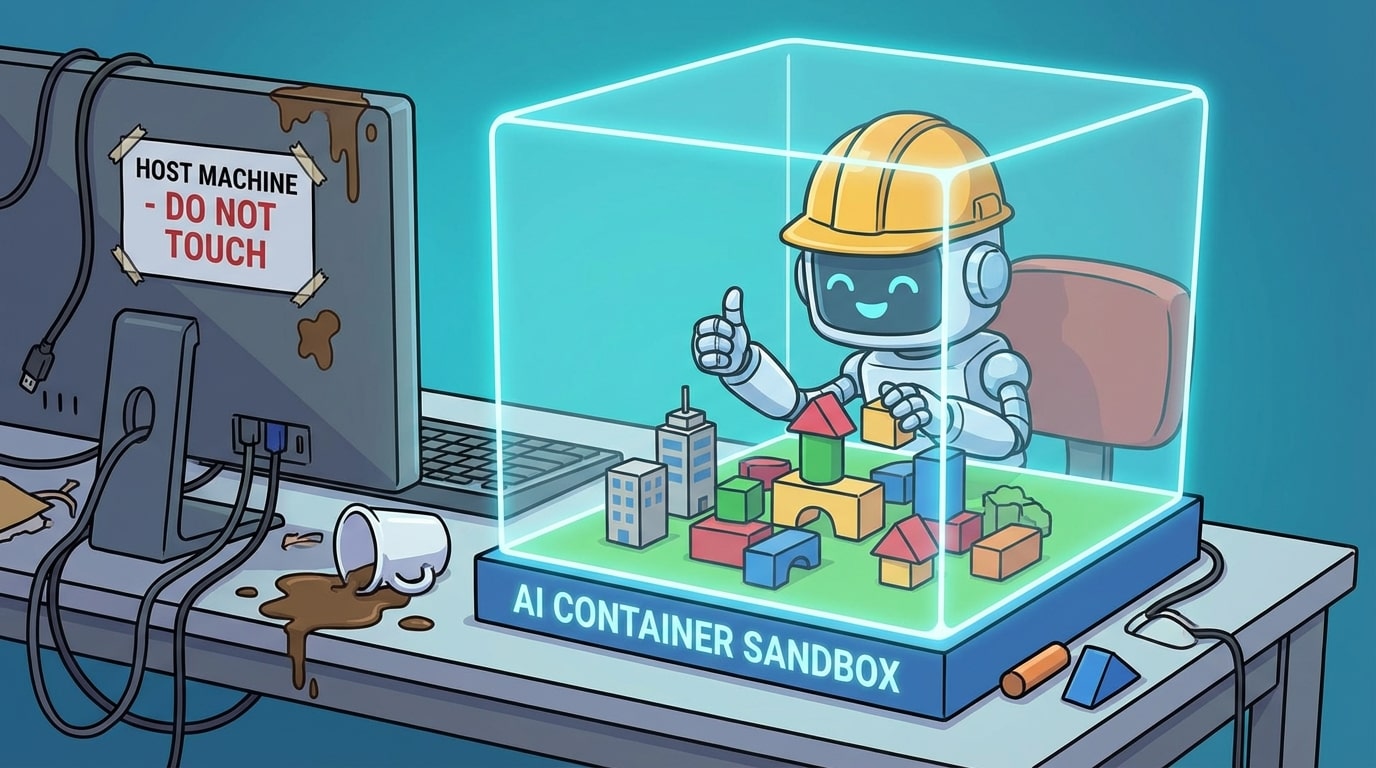
After building the CBS Open Data analyzer, I wanted to create something that would enable AI assistants to safely develop and test applications without touching my local environment. Enter container sandboxes.
The container-sandbox skill enables Claude (or any AI assistant) to spin up isolated Docker or Podman containers, develop proof-of-concept applications entirely within them, and even host the results - all without affecting your local machine.
What are Skills?
Skills are specialized instruction sets that AI assistants like Claude can use to perform specific tasks with domain expertise. Think of them as reusable templates that help automate repetitive work and enforce best practices. They're especially useful in Claude Code, an AI coding assistant that can execute tasks in your development environment.
The Container Sandbox Skill
Location: .claude/skills/container-sandboxes/SKILL.md
Repository: Container Sandboxes Skill
This skill gives AI assistants the ability to:
- Create isolated container environments (Docker or Podman)
- Execute code safely without affecting your host system
- Develop complete proof-of-concept applications
- Host services and applications within containers
- Mount local directories for live file editing with your IDE
- Clone repositories, run tests, and push changes to GitHub
- Export container contents for preservation
When to use: When you need AI to develop experimental code, test packages, run untrusted code, or build proof-of-concepts in isolation.
Why This Matters
Imagine telling your AI assistant: "Build me a web application that displays real-time cryptocurrency prices." With container sandboxes, the AI can:
- Create an isolated container with the right runtime (Node.js, Python, Deno, etc.)
- Install dependencies and write the application code
- Run the application within the container
- Expose it on a local port for you to test
- Push the code to GitHub when you're satisfied
All of this happens without installing anything on your machine or risking conflicts with existing projects.
Real-World Example: Comparing AI Models
One particularly interesting use case is running identical tasks with different AI models and comparing results. You could:
- Ask Claude to build a REST API in one container
- Ask Gemini to build the same API in another container
- Compare the implementations, performance, and approaches
- Choose the best solution or combine ideas from both
Each AI works in complete isolation, preventing any cross-contamination of approaches or implementations.
How It Works
The skill uses a custom CLI tool (csbx) that wraps Docker or Podman commands. Here's a quick example:
# Create a Python sandbox
csbx init --template container-sandbox:python --name my-project

# AI writes code to a file
csbx files write my-project /home/user/app.py "print('Hello from AI!')" --echo

# AI executes the code
csbx exec my-project "python /home/user/app.py" --echo

# Export the results when done
csbx sandbox export my-project
The AI can do all of this autonomously when you invoke the skill.
Volume Mounting: The Game Changer
With volume mounting you can edit code with your preferred IDE (VSCode, Zed, etc.) while the AI runs it in the container:
# Mount local directory into container
csbx init --template container-sandbox:deno \
  --mount ~/my-project:/home/user/app \
  --name deno-dev
Now you can:
- Edit files in
~/my-projectusing your IDE - Have the AI run them instantly in the container
- Get real-time feedback without import/export cycles
It's like having the safety of containers with the convenience of local development.
Git authorizations
One way you can work with container-sandboxes is by letting it download code from your code repository.
When initially trying to use container-sandboxes with ssh I noticed how powerfull this was and decided to block the AI from going to .ssh folder.
My advice is to make a github token for your repository, that way it can only read and push to 1 repository over https, limiting the scope ofwhat it can do.
- No SSH access: All git operations use tokens (HTTPS)
Multiple Runtimes
The skill provides pre-built container images for different use cases:
- Base: Minimal environment with git and basic tools
- Python: Python 3.12+ with uv package manager
- Node: Node.js and npm
- Deno: Deno runtime for modern TypeScript/JavaScript
- Full-stack: Everything combined
And it works with both Docker and Podman - the skill auto-detects which runtime you have installed.
Practical Use Cases
Here are some ways I use container sandboxes with AI:
1. Rapid Prototyping
"Build a simple API server that serves random quotes from a JSON file"
The AI creates the container, writes the code, runs the server, and gives you a localhost URL to test.
2. Package Testing
"Test the new version of this library to see if it breaks our code"
The AI installs the package in an isolated environment and runs your test suite.
3. Learning New Technologies
"Show me how to use Deno's built-in testing framework"
The AI creates a Deno container, writes example code, and demonstrates the features.
4. Code Review Experiments
"Try refactoring this function three different ways and benchmark them"
The AI creates separate implementations in the same container and compares performance.
Getting Started
Setting up the skill is straightforward:
# 1. Build the container images
cd .claude/skills/container-sandboxes/container
./build-all.sh

# 2. Install the CLI tool
cd ../sandbox_cli
uv pip install -e .

# 3. Start using it with Claude
# Just ask: "Use the container-sandbox skill to..."
Full documentation is available in the skill repository.
Best Practices
After using this skill extensively, here are my recommendations:
- Always export before timeout - Sandboxes are ephemeral; use
csbx sandbox exportto save your work - Use volume mounts for active development - Edit in your IDE, run in the container
- Set up GitHub tokens - Makes git operations seamless
- Try multiple AI models - Compare Claude and Gemini on the same task
- Start with templates - Use pre-built images rather than customizing from scratch
Learn More
Container sandboxes open up a new dimension in AI-assisted development: safe, isolated experimentation at scale. Whether you're learning new technologies, comparing AI models, or building proof-of-concepts, giving AI a containerized playground is a powerful pattern.
What will you build in your next sandbox?